iPads are great, but Android tablets aren’t the awkward, oversized phones they used to be.
The best ones today can handle real work, serious gaming, and creative apps without breaking a sweat.
Throw in desktop-style features like Samsung DeX, blazing-fast chipsets, and gorgeous OLED displays, and you’ve got devices that can genuinely replace a laptop, or at least give it trust issues.
Contents
The Best Android Tablets for 2026
Android tablets finally act like real computers. Whether you need a massive OLED for design or a cheap slab for movies, these six models live up to the hype.
1. Samsung Galaxy Tab S11 Ultra
The best high-end tablet

The Galaxy Tab S11 Ultra is huge. At 14.6 inches, it’s basically a laptop screen without the keyboard attached. It uses the MediaTek Dimensity 9400+ chip, which handles AI tasks like live translation or text summaries right on the device. The S-Pen comes in the box and feels like writing on actual paper because the response time is so low.
Processor: MediaTek Dimensity 9400+
RAM/Storage: 12GB or 16GB RAM | Up to 1TB
Display: 14.6-inch AMOLED, 120Hz
Battery: 11,200mAh | 45W charging
Software: Android 16 (One UI 8.0)
Pros
- The OLED screen is the best you can get for movies.
- Samsung DeX is the closest thing to a real desktop on a tablet.
- The S-Pen is included and has no noticeable lag.
- It stays cool even when you’re playing demanding games.
Cons
- It’s too big to hold comfortably for long reading sessions.
- The keyboard cover is expensive and you have to buy it separately.
The verdict: If you want a tablet that can actually replace your laptop and you don’t mind the high price, this is it.
2. Lenovo Idea Tab Pro (with pen and case)
The best for students

Lenovo wins on value here. Instead of making you buy accessories separately, they put a stylus and a folio case in the box. It’s built for Google Workspace and Gemini, so it’s easy to use for research or writing papers.
Processor: MediaTek Dimensity 8300
Display: 12.7-inch 3K LCD, 144Hz
Software: Android 15
Pros
- You get the pen and case for free in the box.
- The 144Hz refresh rate makes scrolling through long PDFs feel smooth.
- You can use it as a second wireless monitor for a Windows PC.
Cons
- It’s an LCD screen, so blacks look a bit gray compared to OLED.
- The borders around the screen are a little thick.
The verdict: This is the best choice for college. You get everything you need to start taking notes for one price.
3. Xiaomi Pad 8 Pro (2026)
The best for gaming

Xiaomi focused on speed with the Pad 8 Pro. It uses the Snapdragon® 8 Elite chip but adds a large cooling system. This means it can run games like Genshin Impact at max settings for an hour without getting hot or dropping frames.
Processor: Snapdragon 8 Elite
Display: 11.2-inch IPS, 144Hz
Charging: 120W (full charge in under 45 minutes)
Pros
- Best-in-class gaming performance.
- The 120W charging is incredibly fast.
- The screen is sharp and fast.
Cons
- The software has too many pre-installed apps you’ll never use.
- It can be hard to find in some countries, making repairs difficult.
The verdict: It’s a fast, powerful machine that focuses on gaming and quick charging rather than productivity.
4. Samsung Galaxy Tab S10 FE+
The practical choice

The “Fan Edition” is usually Samsung’s top seller for a reason. You get about 90% of the Ultra’s features, like DeX and the S-Pen, for roughly half the money. It’s also one of the few tablets that is water-resistant.
Display: 13.1-inch LCD, 90Hz
Durability: IP68 water and dust resistance
Battery: 10,090mAh
Pros
- You can use it near a pool or in the rain without worrying.
- The battery actually lasts longer than the expensive Ultra model.
- Comes with the S-Pen.
Cons
- The 90Hz LCD isn’t as smooth or bright as an OLED.
- The chip can stutter if you try to edit heavy 4K video.
The verdict: This is the most sensible tablet for most people. It does everything well without costing $1,000.
5. TCL NXTPAPER 14
The best for your eyes
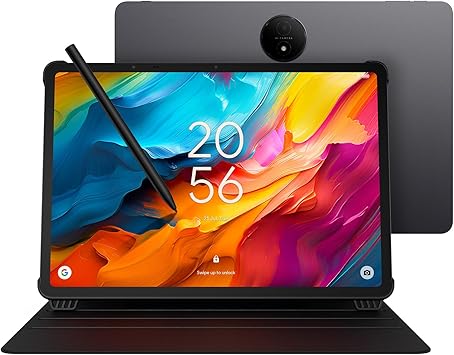
The NXTPAPER 14 doesn’t look like other tablets. The screen is matte and has no glare, so it looks like paper. If you get headaches from staring at glossy screens all day, this is the solution.
Processor: MediaTek Helio G99
Display: 14.3-inch matte screen
Software: Android 14
Pros
- No glare at all, even under bright office lights or outside.
- The stylus feels like a real pencil on paper because of the screen texture.
- The 14.3-inch screen is a huge space for drawing.
Cons
- The matte finish makes colors look a bit dull for movies.
- It’s running an older version of Android and has a slower processor.
The verdict: It’s a niche tool. It’s not for Netflix, but it’s the best digital sketchbook or e-reader you can buy.
6. OnePlus Pad Go 2
The best cheap tablet

If you just want to watch YouTube, read recipes, or browse the web on the couch, don’t spend $800. The OnePlus Pad Go 2 is thin, has a sharp screen, and looks more expensive than it is.
Display: 12.1-inch LCD, 2.4K resolution
Processor: MediaTek Dimensity 7300 Ultra
Connectivity: LTE models available
Pros
- The metal design feels premium.
- The screen is very sharp for a budget device.
- You can get a version with a SIM card slot for cheap.
Cons
- It isn’t powerful enough for heavy 3D games.
- There aren’t many good first-party keyboards or pens for it.
The verdict: It proves that a cheap tablet doesn’t have to be slow or ugly. It’s the best basic media device.
How to Choose the Right Android Tablet
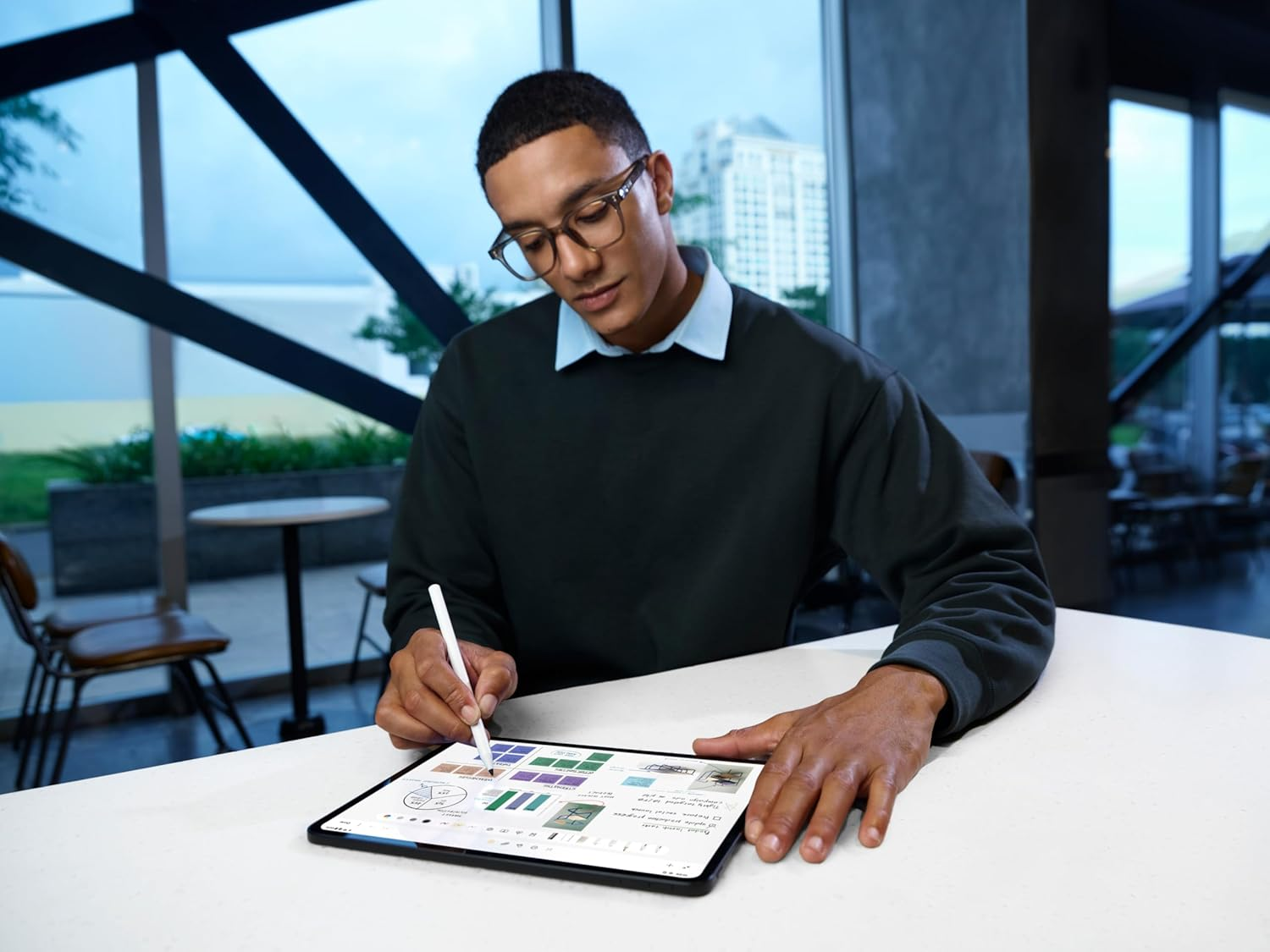
You shouldn’t just look at the price. Think about how you’ll use it every day.
- Display Tech: OLED vs. LCD
If you plan to watch movies or edit photos, OLED is worth the premium. It provides infinite contrast and pitch-black darks. However, high-quality LCDs (like those on the Lenovo or OnePlus) are excellent for well-lit office environments and eliminate the (albeit rare) risk of screen burn-in.
- Desktop Modes & Productivity
Android tablet multitasking has vastly improved, but Samsung DeX is still the king. DeX transforms your tablet UI into a Windows-like desktop with a taskbar, resizable floating windows, and robust external monitor support. If you want to use your tablet as a laptop, stick with Samsung.
- The Reality of App Scaling
A common complaint on Reddit and enthusiast forums is “App Scaling.” While Android 16 handles this better, some apps (especially older or niche ones) still force a portrait layout or stretch awkwardly on horizontal tablet screens. Stick to optimized apps from Google Workspace, Microsoft Office, and Adobe for the best experience.
- Processor & RAM Requirements
In 2026, 8GB of RAM is the absolute minimum for a smooth experience. If you plan to use AI features or heavy multitasking, aim for 12GB. For gaming (Genshin Impact, emulation), you need a flagship chip like the Snapdragon 8 Gen series or Dimensity 9000 series.
- Stylus Latency & Ecosystem
Not all styluses are created equal. Samsung’s S-Pen uses Wacom technology, meaning it doesn’t need to be charged to write and has virtually zero latency. Budget tablets often use active capacitive pens that require frequent charging and may suffer from slight lag when drawing fast lines.
Final Verdict: Which One Should You Buy?
For the absolute best experience: Buy the Samsung Galaxy Tab S11 Ultra. It is a marvel of engineering that can easily replace a laptop.
For the smart budget buyer: Go with the Lenovo Idea Tab Pro. Getting a 3K 144Hz screen, a pen, and a keyboard case in one affordable bundle is an unbeatable deal for students.
For the pure media/casual user: The OnePlus Pad Go 2 is all you need. Don’t overspend on processing power if you are just watching Netflix and checking email.
Frequently Asked Questions (FAQ)
Are Android tablets worth buying in 2026?
Absolutely. With the integration of desktop modes, robust AI productivity tools, and massive OLED screens, Android tablets are excellent laptop alternatives for about 80% of daily computing tasks.
Can Android tablets replace laptops?
Yes, for light-to-medium tasks. Writing emails, editing Google Docs, media consumption, and light photo editing are fantastic on Android. However, if you need full desktop apps (like full-suite Adobe Premiere, complex Excel macros, or PC gaming), a traditional laptop is still required.
Which Android tablet is best for students?
The Lenovo Idea Tab Pro is currently the best value for students because it includes the folio case and pen out of the box, saving you $150+ in accessory costs.
Are Android tablets good for drawing?
Yes. The Samsung Galaxy Tab S11 Ultra and the TCL NXTPAPER 14 are excellent for artists. Samsung offers Wacom-level precision, while TCL offers a paper-like friction that artists love.
Is Samsung DeX actually useful?
If you attach a keyboard and mouse, DeX is a game-changer. It allows you to open multiple resizable windows at once, making the tablet feel like a true Chromebook or Windows lite device.
How long do Android tablets last?
Hardware-wise, they will last 4–5 years. Software-wise, premium brands like Samsung now promise between 4 to 7 years of OS and security updates, significantly increasing the lifespan and resale value of modern tablets.